Why Website Speed Is Critical for Your Business
Website speed isn’t just a technical metric—it directly impacts your revenue, search rankings, and user experience. Here are the numbers that matter:
- 53% of mobile users leave a site that takes longer than 3 seconds to load
- A 1-second delay in page load time reduces conversions by 7%
- Google uses page speed as a ranking factor for both desktop and mobile searches
- Pages that load in 2 seconds have an average bounce rate of 9%, while 5-second pages have a 38% bounce rate
- Amazon found that every 100ms of latency cost them 1% in sales
If your website is slow, you’re losing customers, rankings, and revenue every single day. This guide covers 12 proven techniques to dramatically improve your website speed.
How to Measure Your Website Speed
Before optimizing, you need to know where you stand. Use these free tools:
- Google PageSpeed Insights: Scores your site on Core Web Vitals and provides specific recommendations
- GTmetrix: Detailed waterfall analysis and performance grades
- WebPageTest: Advanced testing with multiple locations and connection speeds
- Google Search Console: Core Web Vitals report for your actual pages
- Lighthouse: Built into Chrome DevTools for quick audits
Key Metrics to Track
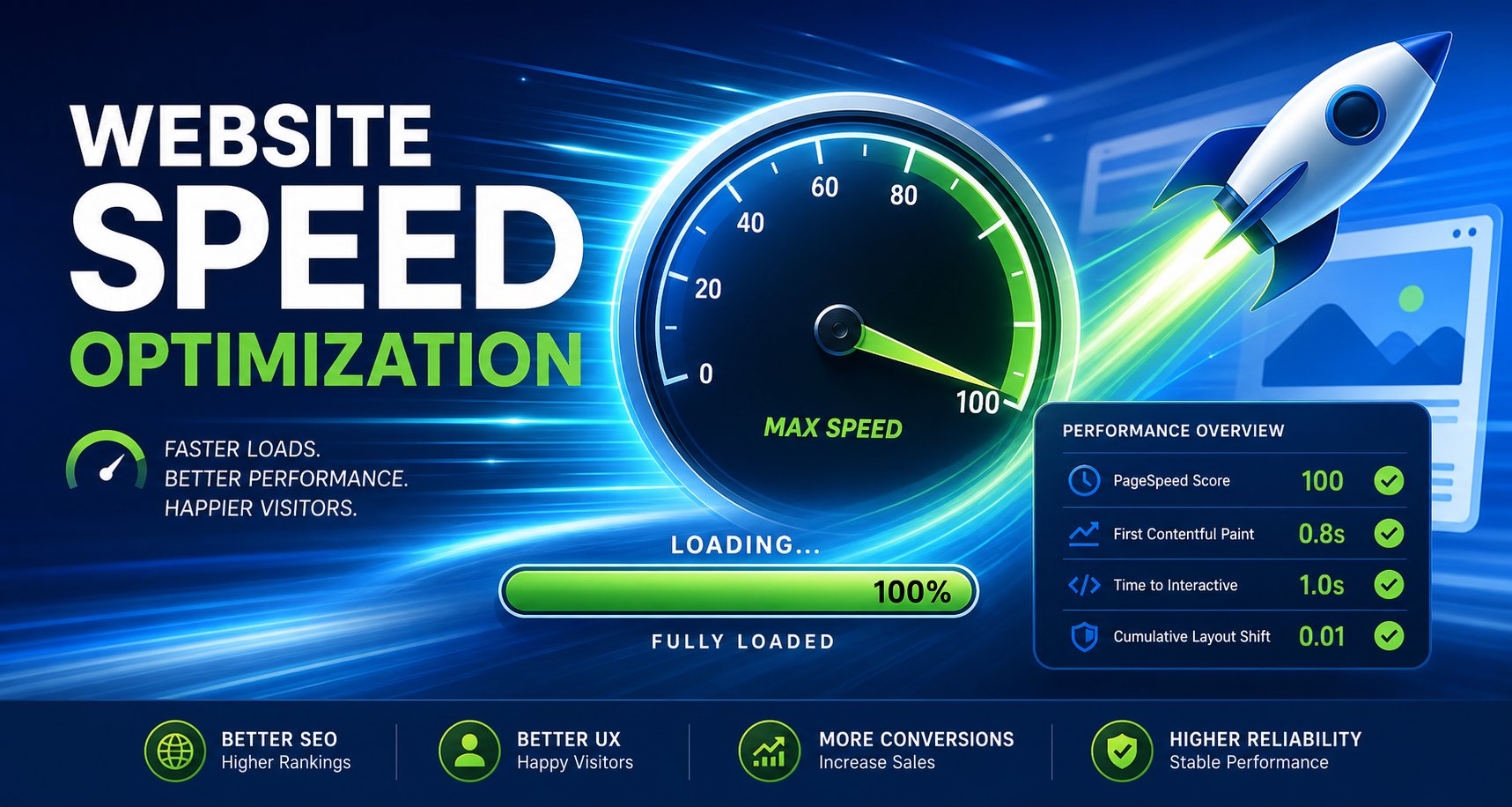
| Metric | What It Measures | Target |
|---|---|---|
| Largest Contentful Paint (LCP) | When main content loads | Under 2.5 seconds |
| First Input Delay (FID) | Interactivity response time | Under 100ms |
| Cumulative Layout Shift (CLS) | Visual stability | Under 0.1 |
| Time to First Byte (TTFB) | Server response time | Under 600ms |
| Total Page Load Time | Full page render | Under 3 seconds |
12 Proven Website Speed Optimization Techniques
1. Optimize and Compress Images
Images are typically the largest files on a webpage and the #1 cause of slow load times.
- Use Modern Formats: Convert JPEGs and PNGs to WebP or AVIF for 25-50% smaller file sizes
- Compress Images: Use tools like TinyPNG, ShortPixel, or Imagify to reduce file sizes without visible quality loss
- Responsive Images: Serve different image sizes for different screen sizes using srcset
- Lazy Loading: Only load images when they enter the viewport
- Specify Dimensions: Always include width and height attributes to prevent layout shifts
- Use CDN: Serve images from a Content Delivery Network for faster global delivery
2. Implement Browser Caching
Browser caching stores static files locally so returning visitors don’t have to re-download them.
- Set cache headers for static assets (CSS, JS, images, fonts) to 1 year
- Use ETags for efficient cache validation
- Cache HTML pages for shorter periods (5-15 minutes) for dynamic content
- Implement service workers for advanced caching strategies
3. Minify CSS, JavaScript, and HTML
Remove unnecessary characters (spaces, comments, line breaks) from your code files:
- Use build tools like Webpack, Vite, or Parcel for automatic minification
- WordPress users: Install WP Rocket, Autoptimize, or W3 Total Cache
- Combine multiple CSS and JS files to reduce HTTP requests
- Remove unused CSS and JavaScript with tools like PurgeCSS
4. Use a Content Delivery Network (CDN)
A CDN stores copies of your website on servers around the world, serving content from the location closest to each visitor:
- Cloudflare: Free tier with excellent performance and security features
- AWS CloudFront: Enterprise-grade CDN with global coverage
- Fastly: Real-time CDN with edge computing capabilities
- BunnyCDN: Affordable option with excellent performance
5. Optimize Your Hosting
Your hosting provider has the biggest impact on server response time (TTFB):
- Shared Hosting: Cheapest but slowest; avoid for business-critical sites
- VPS Hosting: Good balance of cost and performance for growing businesses
- Managed WordPress: Optimized specifically for WordPress (Kinsta, WP Engine)
- Cloud Hosting: Scalable and fast (AWS, Google Cloud, DigitalOcean)
- Server Location: Choose a server location close to your primary audience
6. Enable Gzip/Brotli Compression
Compress your files before sending them to the browser:
- Brotli compression is 15-25% more efficient than Gzip
- Enable compression for text-based resources (HTML, CSS, JS, SVG)
- Most CDNs and hosting providers support Brotli by default
- Test with tools like GTmetrix to verify compression is working
7. Reduce Third-Party Scripts
Every third-party script (analytics, chat widgets, social sharing, ads) adds load time:
- Audit all third-party scripts and remove unnecessary ones
- Load non-critical scripts asynchronously or defer them
- Use tag managers (Google Tag Manager) to control script loading
- Self-host fonts and libraries when possible
- Consider lightweight alternatives to heavy scripts
8. Implement Critical CSS and Deferred Loading
Load only the CSS needed for above-the-fold content first, then load the rest:
- Extract critical CSS (styles visible without scrolling) and inline it in the HTML
- Load remaining CSS asynchronously
- Defer non-critical JavaScript until after page render
- Use the loading=”lazy” attribute for iframes and below-the-fold images
9. Optimize Your Database
For database-driven sites (WordPress, custom apps), database performance matters:
- Clean up post revisions, spam comments, and transient data regularly
- Use object caching (Redis or Memcached) to reduce database queries
- Optimize database tables and add proper indexes
- Use a persistent object cache for frequently accessed data
10. Use Preloading and Prefetching
Help browsers load resources more efficiently:
- Preload: Tell the browser to load critical resources early (fonts, hero images)
- Prefetch: Load resources that will be needed on the next page
- Preconnect: Establish early connections to third-party domains
- DNS Prefetch: Resolve DNS for external resources in advance
11. Optimize Fonts
Web fonts can significantly impact load times if not handled properly:
- Use system fonts or variable fonts to reduce font file sizes
- Self-host Google Fonts instead of loading from Google’s CDN
- Use font-display: swap to prevent invisible text during font loading
- Subset fonts to include only the characters you need
- Preload critical fonts used in above-the-fold content
12. Monitor and Maintain Performance
Speed optimization is ongoing, not a one-time task:
- Set up automated performance monitoring with tools like SpeedCurve or WebPageTest
- Include performance budgets in your development process
- Test after every code deployment or content update
- Monitor real user metrics through Google Analytics and Search Console
- Conduct quarterly performance audits
Quick Wins: Speed Improvements You Can Make Today
- Compress all images using TinyPNG or ShortPixel
- Enable browser caching through your hosting control panel
- Install a caching plugin (WP Rocket for WordPress)
- Set up Cloudflare’s free CDN
- Remove unused plugins and scripts
- Enable Gzip/Brotli compression on your server
Professional Website Speed Optimization
Website speed optimization requires technical expertise and ongoing monitoring. Unified Management Consulting builds fast, optimized websites that deliver exceptional user experiences and rank higher in search results.
Our website development services include performance optimization as standard. We build sites that load in under 2 seconds, pass Core Web Vitals, and convert visitors into customers.
Frequently Asked Questions
What’s a good website load time?
Aim for under 3 seconds total load time, with LCP under 2.5 seconds. Top-performing sites load in under 1.5 seconds.
Does website speed affect SEO?
Yes, significantly. Google uses Core Web Vitals as ranking factors, and faster sites get better crawl budgets and higher rankings.
How much does speed optimization cost?
Basic optimization can be done with free tools and plugins. Professional optimization typically costs $500-$3,000 depending on site complexity.
Which has more impact: server-side or front-end optimization?
Both are important, but front-end optimization (images, CSS, JS) typically has the biggest impact on perceived load time for most websites.