UX/UI Design Services | Create Experiences Users Love
Every $1 invested in UX returns $100 in revenue—a 9,900% ROI. Yet 70% of online businesses fail because of poor usability. Great UX/UI design isn’t just about making things look pretty—it’s about creating intuitive, efficient, and delightful experiences that convert visitors into customers, reduce support costs, and build lasting brand loyalty.
Our UX/UI design services combine deep user research, data-driven design decisions, and pixel-perfect visual design to create digital experiences that drive measurable business results. From websites and web applications to mobile apps and enterprise software, we design interfaces that users love and businesses profit from.
📋 UX/UI Design Services — Quick Summary
At a glance: everything we deliver through our UX/UI design services.
| Service | What We Do |
|---|---|
| UX Research | User interviews, surveys, competitive analysis, journey mapping, and usability testing |
| Information Architecture | Site maps, user flows, navigation design, and content organization |
| Wireframing | Low and high-fidelity wireframes for web and mobile interfaces |
| Visual Design | Brand-aligned UI design with design systems, component libraries, and style guides |
| Prototyping | Interactive prototypes for stakeholder review and user testing |
| Usability Testing | Moderated and unmoderated testing to validate designs before development |
| Key Results | 83% higher conversion rates, 50% less development rework, 40% faster task completion |
| Investment | $5,000-$50,000 per project depending on scope |
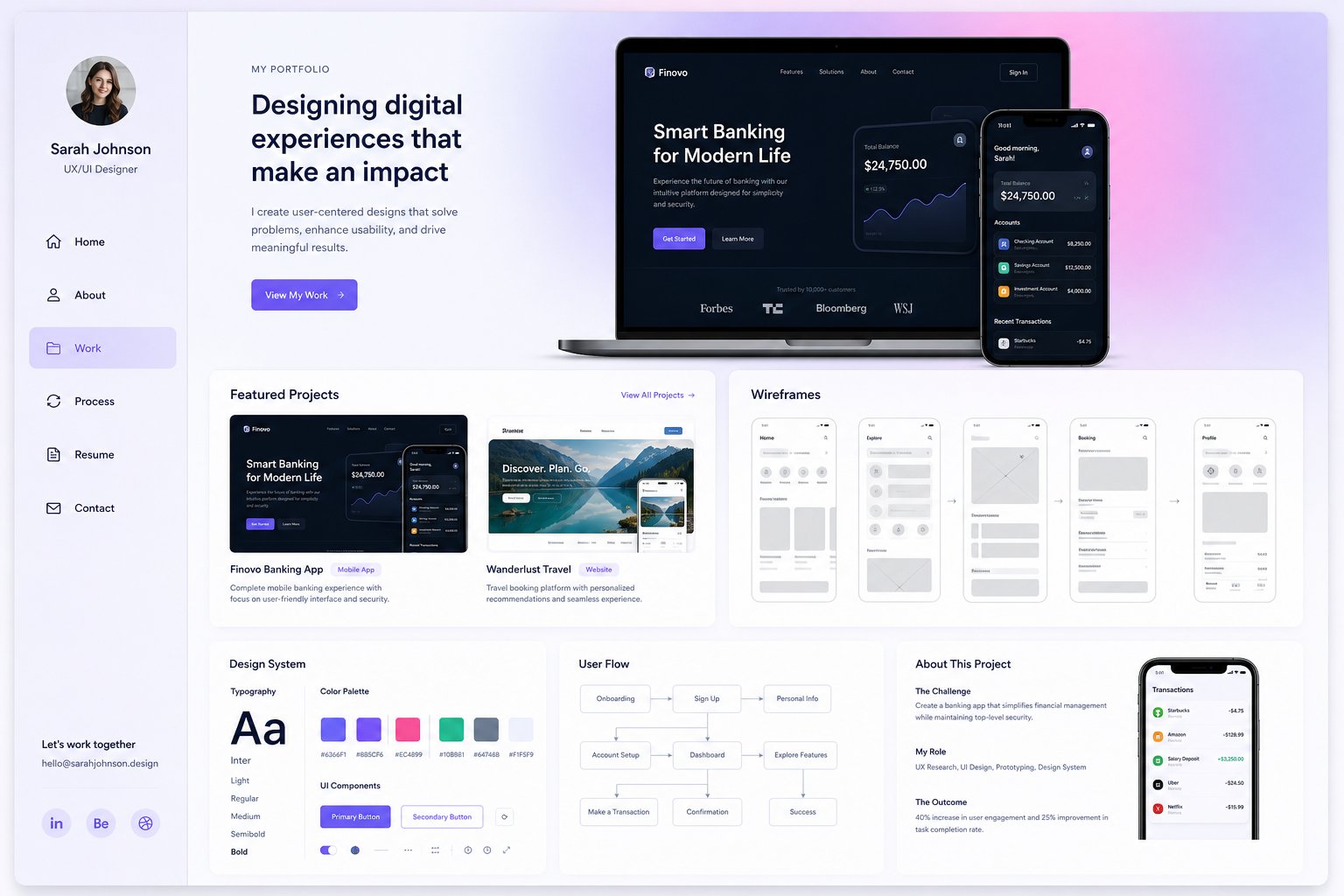
The Business Impact of Great UX/UI Design
| Metric | Impact | Source |
|---|---|---|
| ROI of UX investment | $100 return per $1 invested | Forrester Research |
| Conversion rate improvement | 83% increase with UX optimization | Design Council |
| Development rework reduction | 50% less rework with upfront UX | IBM |
| Users who leave bad UX | 88% won’t return | Econsultancy |
| Task completion speed | 40% faster with good UX | Nielsen Norman Group |
| Support cost reduction | 25-40% fewer support tickets | McKinsey |
Our UX/UI Design Services
1. UX Research & Discovery
- User Interviews: In-depth qualitative interviews with 8-15 target users to understand goals, pain points, and mental models
- Surveys & Analytics: Quantitative research combining survey data with behavioral analytics for complete user understanding
- Competitive Analysis: UX audit of top 5-10 competitors identifying best practices and differentiation opportunities
- Persona Development: Research-backed user personas with goals, behaviors, frustrations, and technology preferences
- Journey Mapping: End-to-end customer journey maps identifying pain points and opportunities at every touchpoint
- Contextual Inquiry: Observing users in their natural environment to understand real-world usage patterns
2. Information Architecture & User Flows
- Site Maps: Hierarchical content organization that matches user mental models and business priorities
- User Flows: Step-by-step journey maps for key tasks (signup, purchase, onboarding, support)
- Navigation Design: Intuitive menu structures, breadcrumbs, and wayfinding systems
- Card Sorting: User-driven content categorization exercises to validate information architecture
- Content Strategy: Content audit, gap analysis, and content hierarchy aligned to user needs
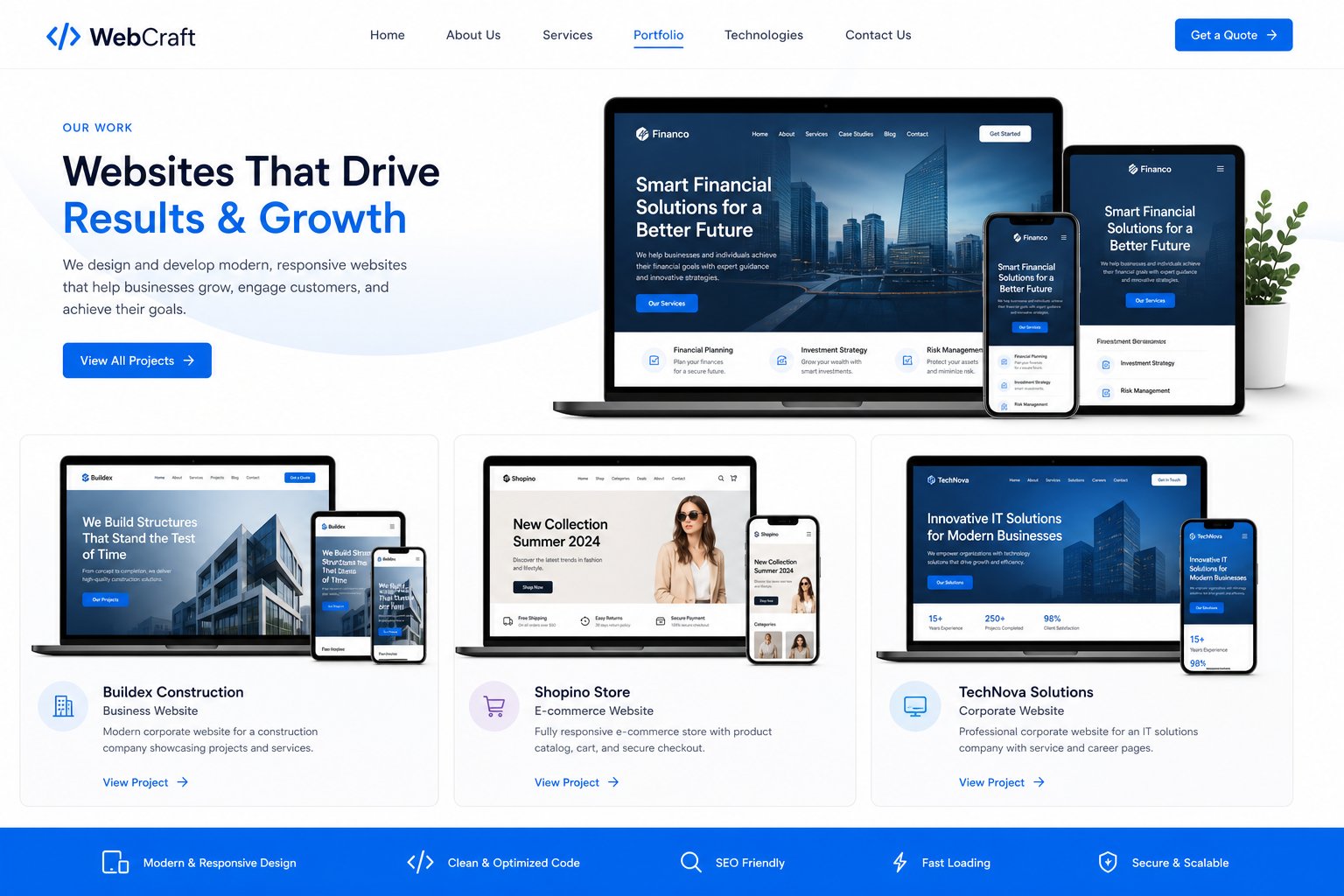
3. Wireframing & Interaction Design
- Low-Fidelity Wireframes: Quick structural layouts for rapid ideation and stakeholder alignment
- High-Fidelity Wireframes: Detailed grayscale layouts showing content hierarchy, spacing, and component placement
- Interactive Wireframes: Clickable prototypes for early usability testing before visual design
- Micro-Interactions: Hover states, transitions, animations, and feedback mechanisms that enhance usability
- Responsive Design: Wireframes for all breakpoints—desktop, tablet, and mobile—with content prioritization
4. Visual UI Design
- Brand-Aligned Design: UI that extends your brand identity into digital with consistent colors, typography, and imagery
- Design Systems: Reusable component libraries (buttons, forms, cards, modals) for consistent UI across all screens
- Typography System: Type scales, font pairings, and hierarchy rules optimized for readability
- Color Systems: Accessible color palettes with proper contrast ratios (WCAG AA/AAA compliance)
- Iconography: Custom or curated icon sets that communicate clearly across all interface elements
- Illustration & Imagery: Custom illustrations and image direction that enhance brand personality
5. Prototyping & Testing
| Testing Method | What It Reveals | When to Use |
|---|---|---|
| Moderated Usability | Why users struggle (qualitative) | Early design validation |
| Unmoderated Testing | Task success rates (quantitative) | Design iteration |
| A/B Testing | Which design converts better | Final design decisions |
| Accessibility Audit | WCAG compliance issues | Before development |
| Eye Tracking | Visual attention patterns | Layout optimization |
| First Click Testing | Navigation intuitiveness | IA validation |
6. Design Handoff & Development Support
- Developer Handoff: Detailed specifications with measurements, colors, typography, and interaction notes
- Figma Dev Mode: Organized Figma files with auto-layout, variables, and component documentation
- Style Guides: Comprehensive design documentation for development teams
- QA Support: Design review during development to ensure pixel-perfect implementation
- Design Iteration: Post-launch design improvements based on analytics and user feedback
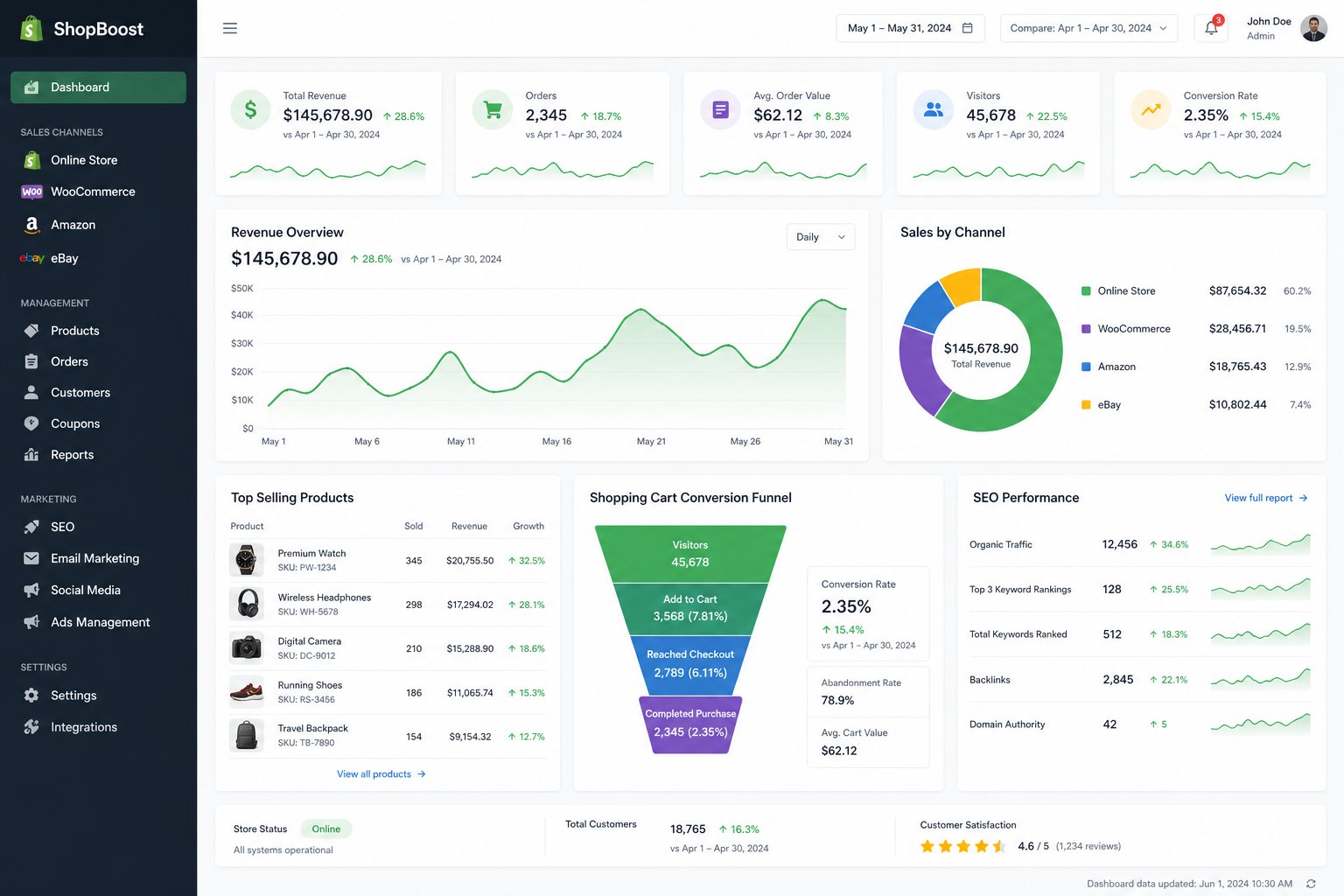
UX/UI Design by Project Type
Website Redesign
- Full UX audit of current site with heatmaps, session recordings, and analytics review
- User research and journey mapping for key conversion paths
- Responsive redesign optimized for desktop, tablet, and mobile
- Conversion-focused design with A/B testing built into the process
Web Application / SaaS
- Complex workflow design for dashboards, data management, and multi-step processes
- Role-based interface design for different user types (admin, manager, user)
- Design systems and component libraries for consistent, scalable UI
- Onboarding and tutorial design for user activation
Mobile App
- Native iOS (Human Interface Guidelines) and Android (Material Design) design
- Touch-optimized interactions, gestures, and navigation patterns
- Offline experience design and progressive disclosure
- App store screenshot and promotional material design
UX/UI Design Tools
| Tool | Purpose |
|---|---|
| Figma | UI design, prototyping, design systems, developer handoff |
| Maze / UserTesting | Unmoderated and moderated usability testing |
| Hotjar / FullStory | Heatmaps, session recordings, user behavior analytics |
| Miro / FigJam | Workshops, journey mapping, brainstorming |
| Principle / After Effects | Motion design and animation prototyping |
UX/UI Design Results
- 83% higher conversion rates with UX-optimized designs
- 50% less development rework through upfront UX validation
- 40% faster task completion for users
- 25-40% fewer support tickets and customer complaints
- 2x higher user satisfaction scores (NPS/CSAT)
- 3x higher user retention for mobile apps with great UX
Frequently Asked Questions
How much does UX/UI design cost?
Website redesign UX: $10,000-$30,000. Web application: $20,000-$50,000. Mobile app: $15,000-$40,000. Landing page: $5,000-$10,000. Pricing depends on complexity, research scope, and number of screens.
How long does a UX/UI project take?
Landing page: 2-3 weeks. Website redesign: 6-12 weeks. Web application: 8-16 weeks. Mobile app: 6-14 weeks. Includes research, design, testing, and handoff.
Do you do development too?
Yes. We offer end-to-end design and development services, or we can hand off to your development team with detailed specifications and Figma Dev Mode files.
What if we already have a design?
We offer UX audits of existing designs with specific, prioritized recommendations for improvement. This is a cost-effective way to improve conversions without a full redesign.
How do you ensure accessibility?
All our designs follow WCAG 2.1 AA standards minimum, with AAA where applicable. We include color contrast checks, keyboard navigation, screen reader testing, and accessibility audits.