Computing, Server, Storage & Data Centre Engineering Services
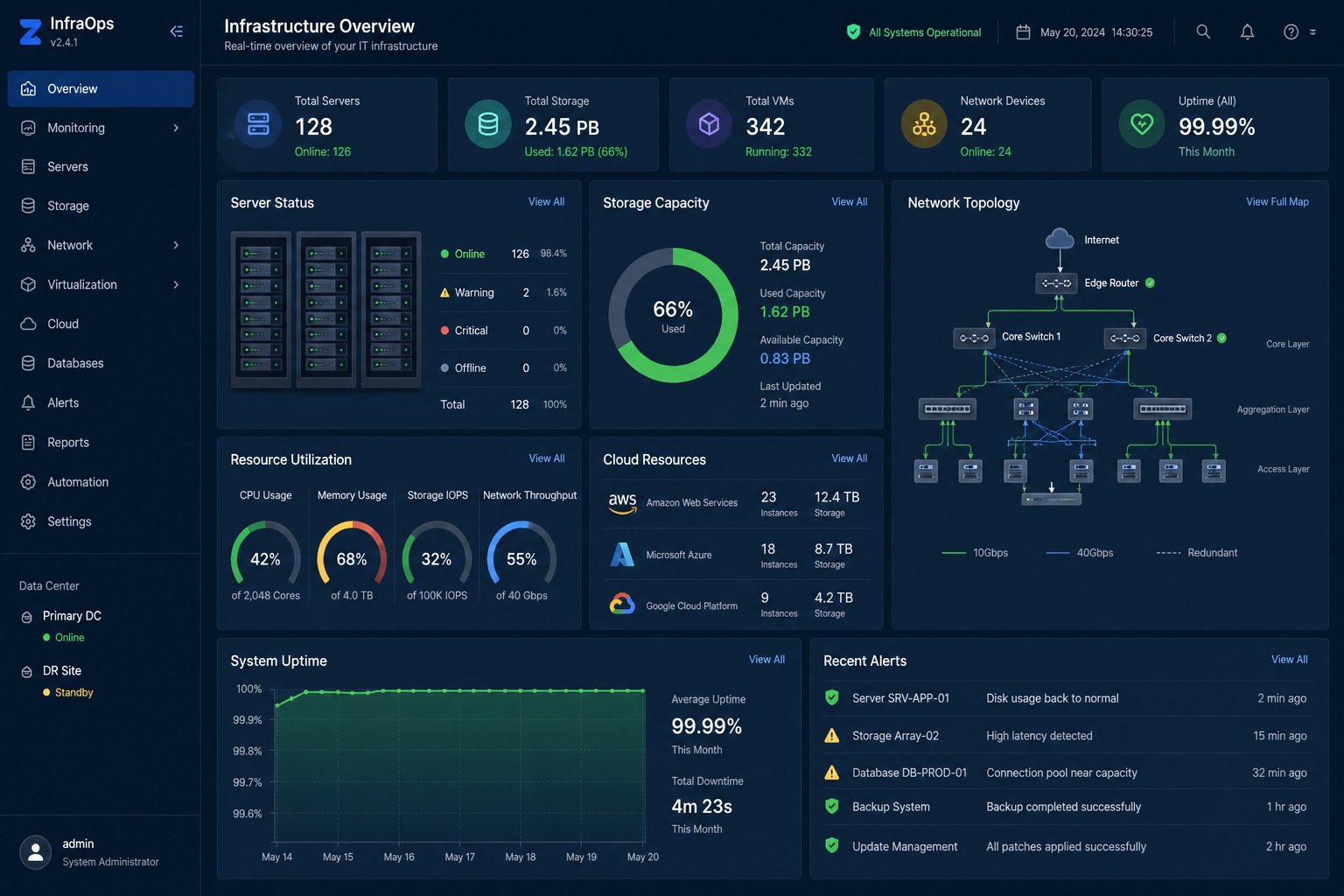
Your IT infrastructure is the backbone of every application, service, and business process. When servers fail, storage bottlenecks slow performance, or data centres lack redundancy—your entire business stops. Our computing and data centre engineering services design, build, and manage enterprise-grade infrastructure that delivers 99.99% uptime, optimal performance, and cost efficiency.
Whether you’re building a new data centre, modernizing legacy servers, implementing storage area networks, or migrating to hybrid infrastructure—we provide the engineering expertise to architect and deploy infrastructure that scales with your business.
📋 Computing, Server & Data Centre Services — Quick Summary
| Service | What We Do |
|---|---|
| Data Centre Design | Planning, architecture, and build-out of on-premise and colocation data centres |
| Server Infrastructure | Physical and virtual server deployment, configuration, and lifecycle management |
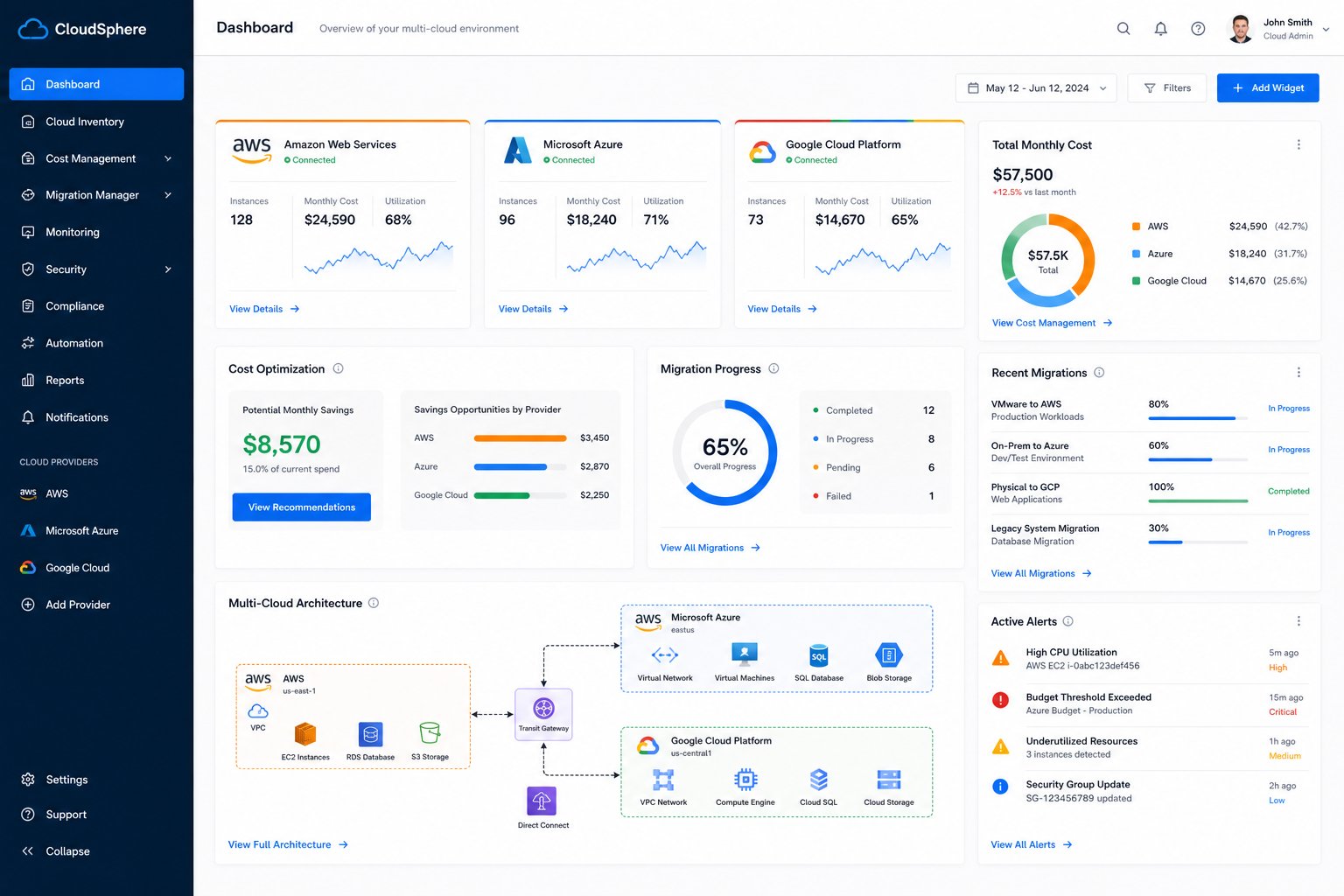
| Storage Solutions | SAN, NAS, object storage, backup, and disaster recovery architecture |
| Virtualization | VMware, Hyper-V, and Proxmox deployment with high availability clusters |
| Power & Cooling | UPS, generator, HVAC, and precision cooling design for data centres |
| Monitoring | 24/7 infrastructure monitoring, alerting, and capacity planning |
| Key Results | 99.99% uptime, 40% cost reduction, 3x faster provisioning |
| Investment | Custom scoping based on infrastructure requirements |
Why Enterprise Infrastructure Matters
| Metric | Impact |
|---|---|
| Average cost of downtime | $9,000 per minute for large enterprises |
| Server refresh cycle | 3-5 years — aging servers have 3x more failures |
| Storage growth | 25-40% annually — requires proactive capacity planning |
| Virtualization savings | 40-60% reduction in hardware and energy costs |
| Data centre PUE target | 1.2-1.4 for modern efficient facilities |
Our Computing & Data Centre Services
1. Data Centre Design & Build
- Site Assessment: Power availability, cooling capacity, connectivity, and physical security evaluation
- Architecture Design: Tier II-IV data centre design with redundancy at every layer
- Rack Layout: Hot/cold aisle containment, cable management, and airflow optimization
- Power Design: UPS sizing, generator backup, PDU distribution, and dual-feed redundancy
- Cooling Design: CRAC/CRAH units, in-row cooling, free cooling, and precision temperature control
- Physical Security: Biometric access, mantrap entries, CCTV, and visitor management
2. Server Infrastructure
- Server Selection: Dell, HPE, Lenovo, and Supermicro hardware sizing and procurement
- Deployment: Rack, stack, cable, configure, and test new server hardware
- Virtualization: VMware vSphere, Microsoft Hyper-V, and Proxmox VE cluster deployment
- High Availability: Failover clustering, live migration, and automated recovery
- Performance Tuning: CPU, memory, I/O optimization, and workload balancing
- Lifecycle Management: Firmware updates, patching, and hardware refresh planning
3. Storage Solutions
| Storage Type | Technology | Best For |
|---|---|---|
| SAN | Fibre Channel, iSCSI | High-performance databases, virtualization |
| NAS | NFS, SMB/CIFS | File sharing, content repositories |
| Object Storage | S3-compatible, Ceph | Backup, archives, unstructured data |
| All-Flash Arrays | NVMe, SSD | Low-latency workloads, VDI |
| Backup | Veeam, Commvault, Rubrik | Data protection, disaster recovery |
4. Backup & Disaster Recovery
- Backup Strategy: 3-2-1 backup rule implementation with local and offsite copies
- Snapshot Management: Automated snapshots with configurable retention policies
- Replication: Synchronous and asynchronous replication for RPO targets
- DR Planning: Documented disaster recovery procedures with RTO/RPO targets
- DR Testing: Regular failover testing to validate recovery procedures
- Ransomware Protection: Immutable backups, air-gapped copies, and rapid recovery
5. Infrastructure Monitoring & Management
- 24/7 Monitoring: Server health, storage capacity, network performance, and environmental sensors
- Alerting: Threshold-based and predictive alerts with escalation procedures
- Capacity Planning: Trend analysis and forecasting for proactive infrastructure scaling
- Patch Management: Automated OS and firmware patching with change management
- Performance Reporting: Monthly infrastructure health reports with recommendations
Our Data Centre Engineering Process
Phase 1: Assessment & Planning
- Current infrastructure audit and documentation
- Workload analysis and performance baselining
- Capacity requirements and growth projections
- Budget planning and ROI analysis
Phase 2: Design & Architecture
- Infrastructure architecture design with redundancy planning
- Hardware selection and procurement
- Network and storage architecture design
- Security and compliance framework
Phase 3: Implementation & Migration
- Hardware deployment, configuration, and testing
- Workload migration with minimal downtime
- Monitoring and management tool deployment
- Documentation and knowledge transfer
Computing & Data Centre Results
- 99.99% uptime with redundant infrastructure design
- 40-60% cost reduction through virtualization and consolidation
- 3x faster server provisioning with automated deployment
- Zero data loss with comprehensive backup and DR strategies
- 50% reduction in energy costs through modern efficiency design
Frequently Asked Questions
How do I know if my servers need upgrading?
Signs include: frequent hardware failures, performance bottlenecks, end-of-life support, high energy consumption, and inability to run modern workloads. We provide free infrastructure assessments.
Should I build my own data centre or use colocation?
It depends on scale. Building your own makes sense for large enterprises with specific requirements. Colocation is more cost-effective for most businesses. We help evaluate both options.
How much does a data centre build cost?
Costs vary widely based on size, tier level, and location. Small server rooms start at $50,000-$100,000. Enterprise data centres can exceed $1M. We provide detailed scoping and budgeting.
What’s the difference between SAN and NAS?
SAN provides block-level storage over Fibre Channel/iSCSI for high-performance databases. NAS provides file-level storage over NFS/SMB for shared file access. We help choose the right solution for your workloads.
Do you provide ongoing managed services?
Yes. We offer 24/7 monitoring, patch management, capacity planning, backup management, and on-call engineering support for all infrastructure we deploy.